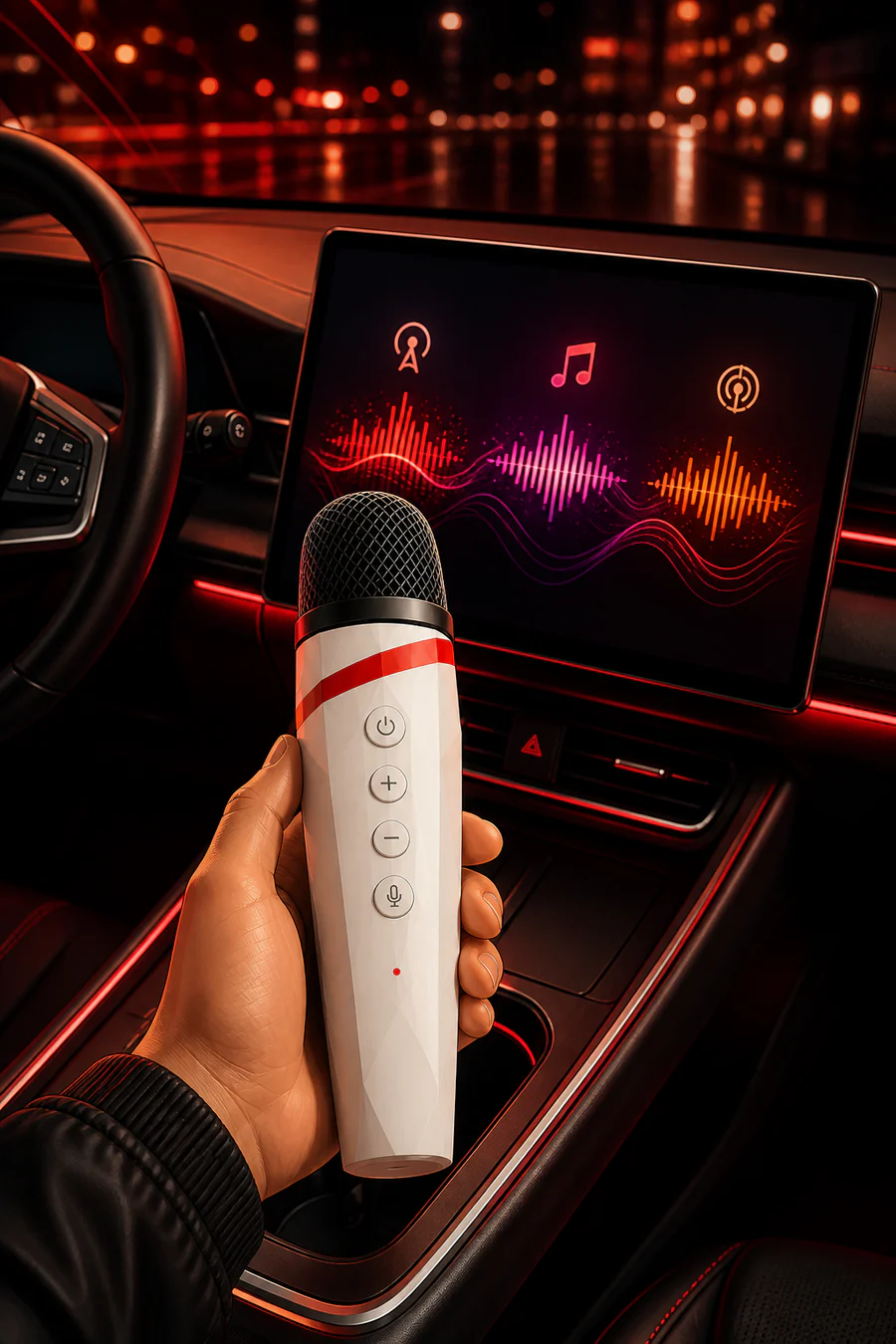
 01 · ANY AUDIO
Sing with any source
Radio, music apps, a connected source, or karaoke mode—the song is your choice.
 DRIVEMIC
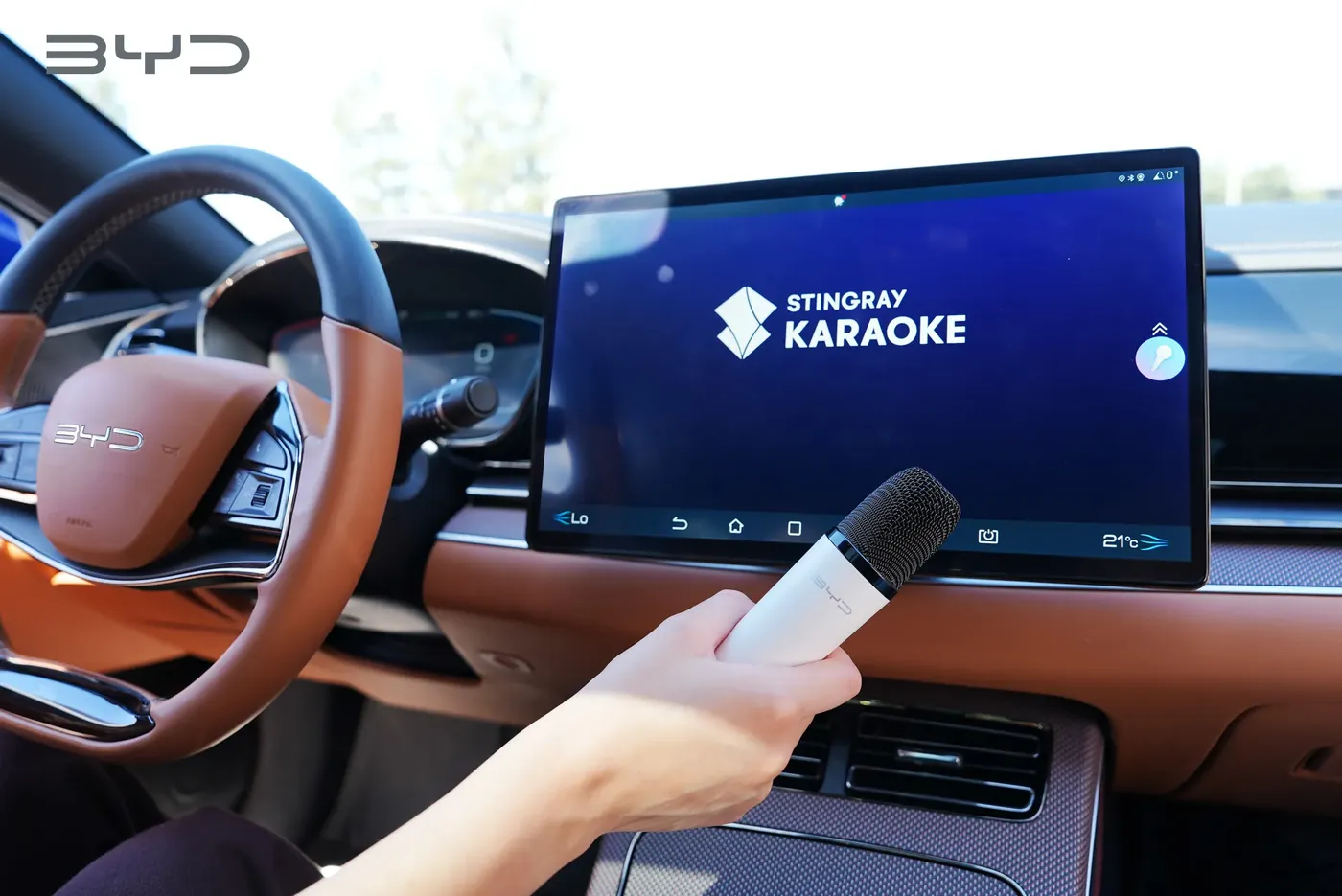
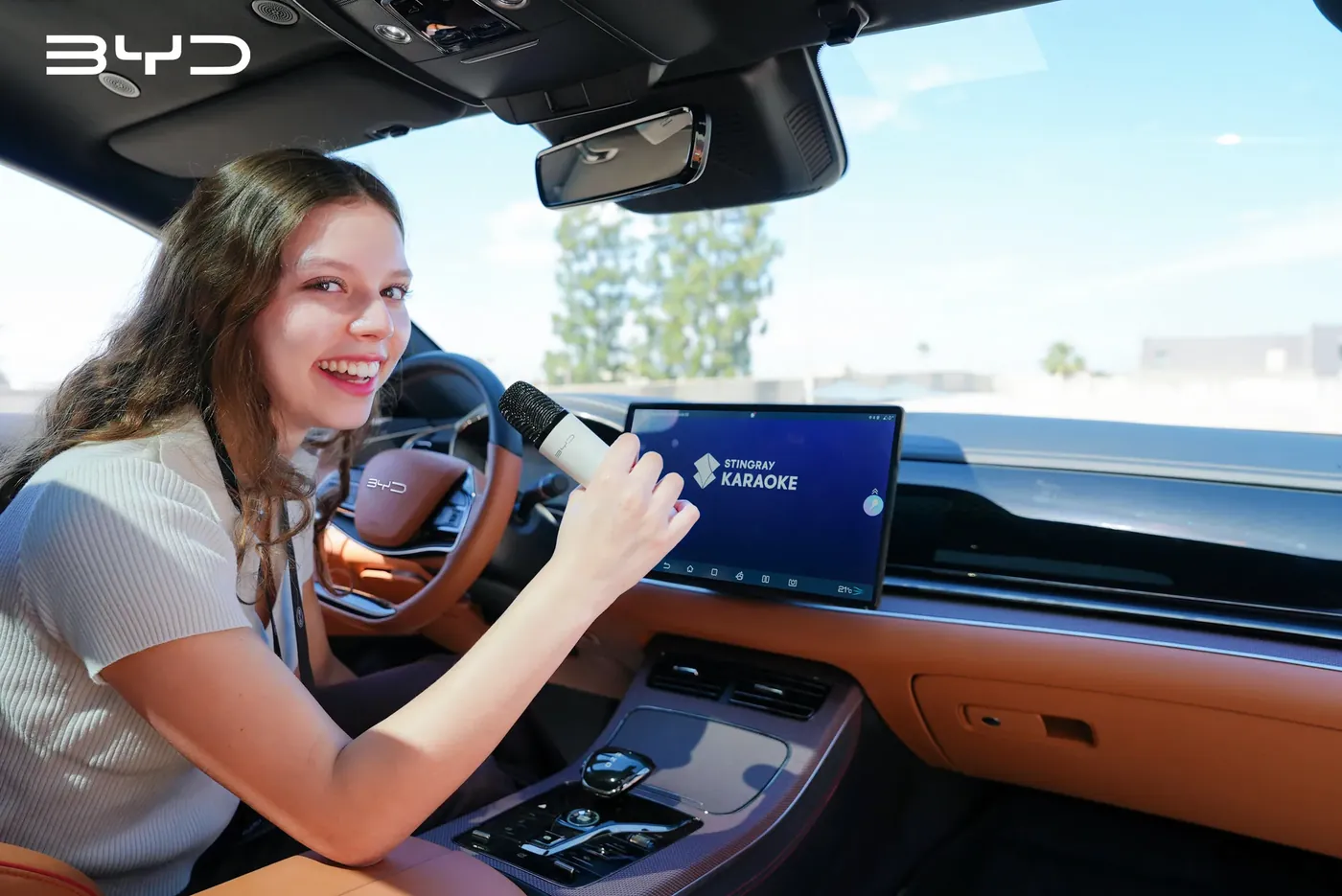
Sing along with the radio, your favorite music apps, another connected audio source, or BYD's karaoke experience. Balance your voice with the music, choose a sound effect, and hear it all through the vehicle's sound system.
One-time purchase · Plug & Play · PayPal checkout
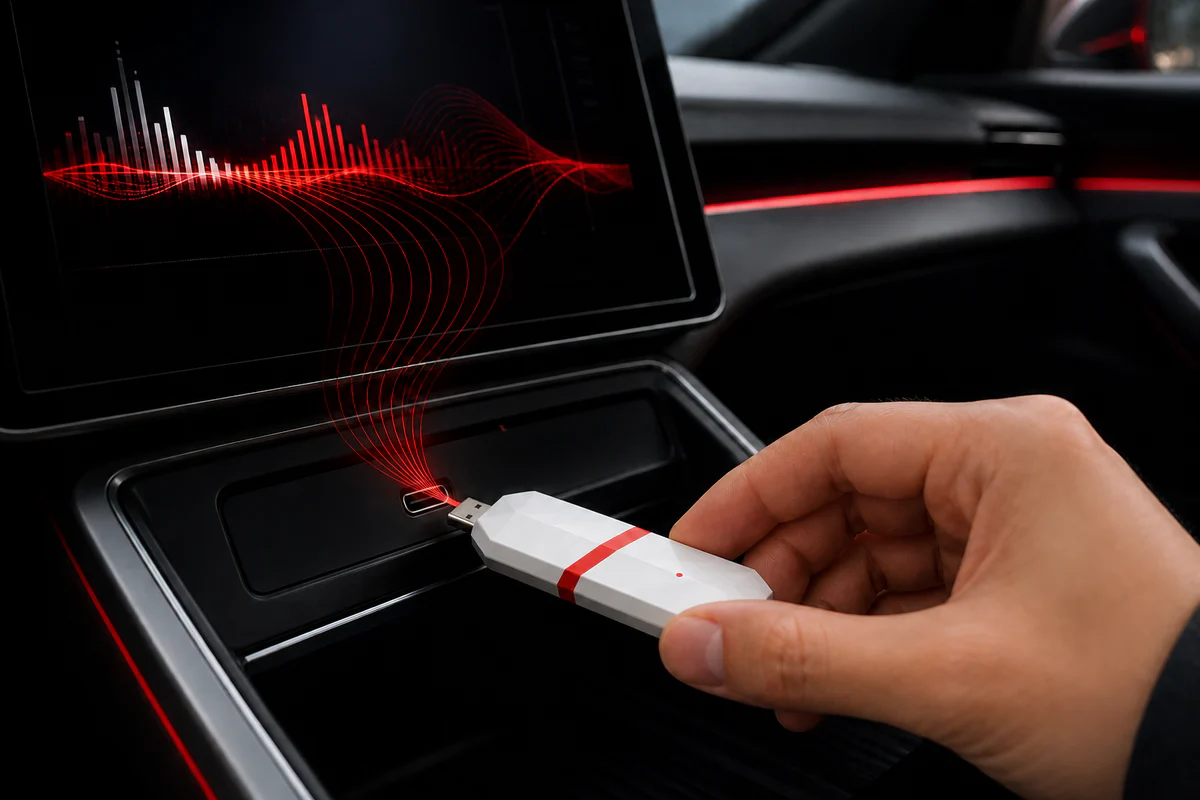
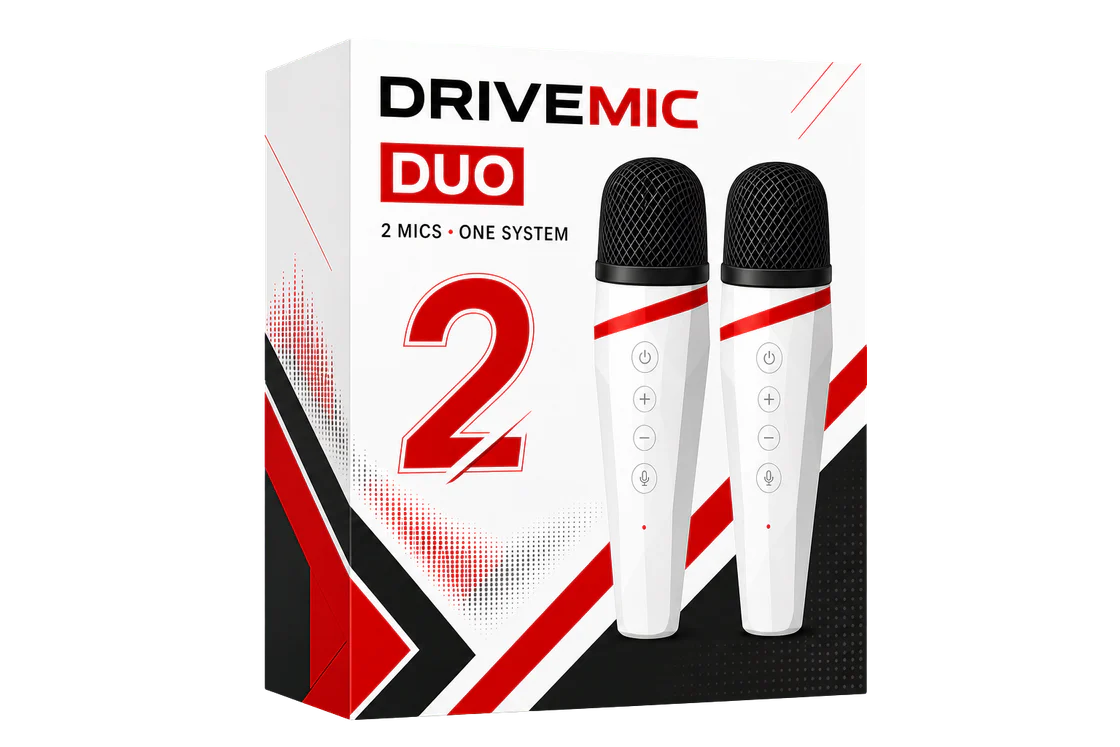 Design illustration of the product and packaging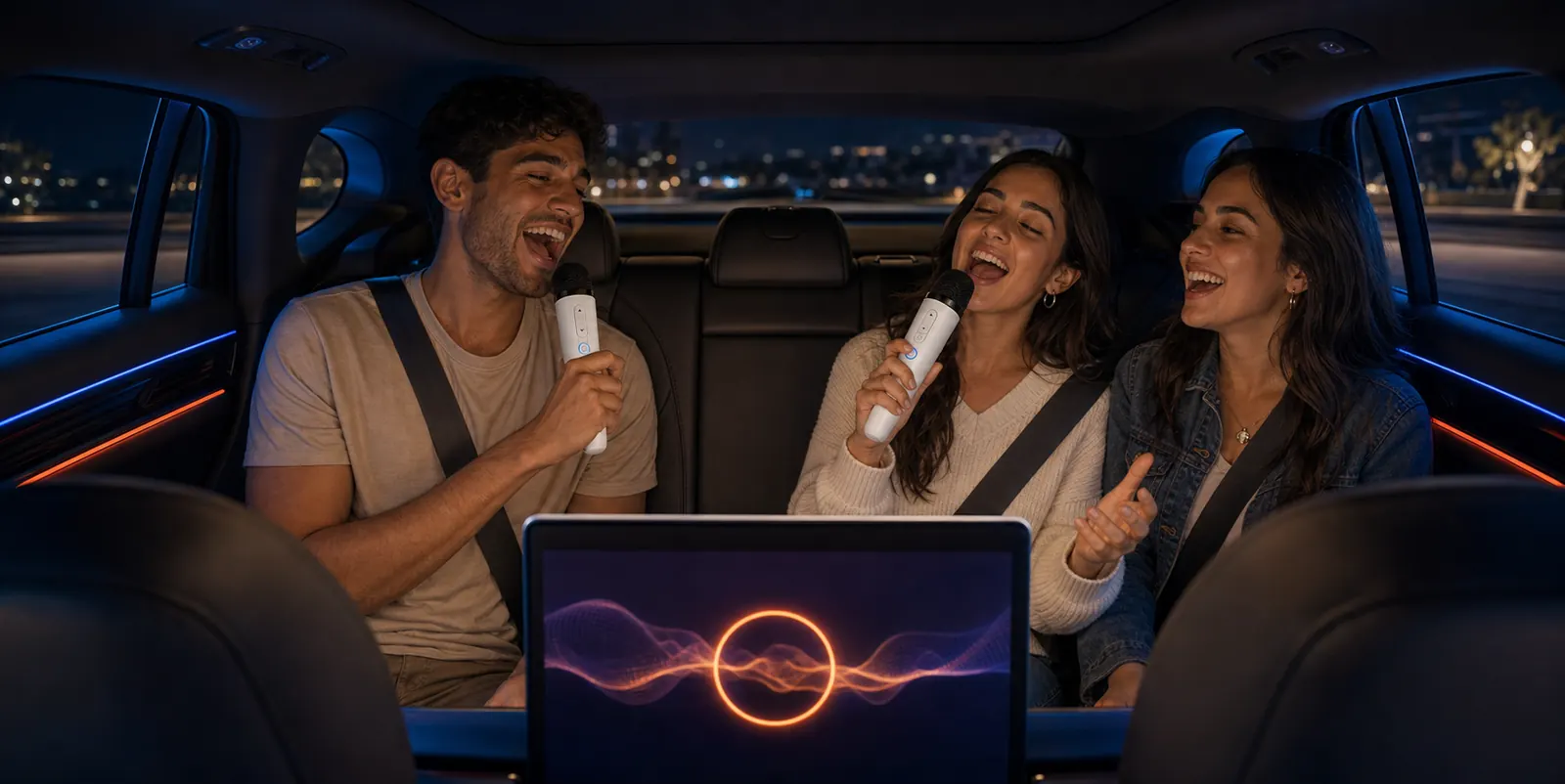
The microphone works alongside the audio already playing in the vehicle.
01 · ANY AUDIORadio, music apps, a connected source, or karaoke mode—the song is your choice.
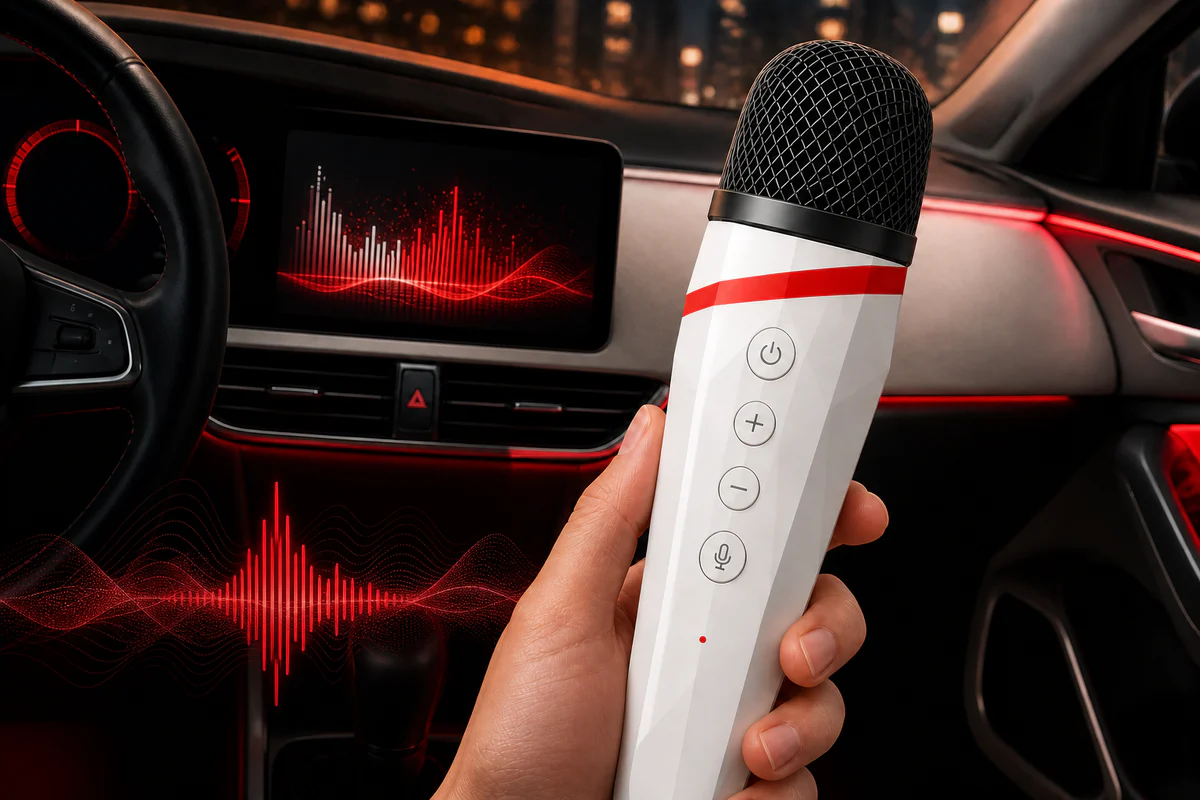 02 · YOUR SOUND
Adjust microphone volume against the music and choose from four built-in sound effects.
 03 · PLUG & PLAY
The receiver and microphones arrive paired and ready to use with a compatible data port.
 ×
×
The microphone does not depend on the karaoke app. When you want the full experience, available features depend on your vehicle, app and microphone hardware. Scoring and Perfect Pitch are not confirmed for DriveMic.
Safety: while the vehicle is moving, microphone and mobile lyrics use is for passengers only. The driver should interact with the system only when safely parked.
Use a compatible USB-A data port or the included USB-C adapter.
Choose radio, a music app, connected audio, or karaoke mode.
Set the voice level against the music and enjoy the vehicle sound system.
ATTO 3, Dolphin, Seal, Seal U or Sealion: check the exact vehicle and system before ordering.
BYD model compatibility guideCompare one microphone with a two-singer kit, including shipping and currency.
Compare Solo and Duo pricesFind the right data port and work through no-sound, pairing and app issues.
Microphone not working?No. DriveMic works with radio, music apps and other audio sources. The karaoke app is an optional advanced mode.
Compatibility depends on model year, market, infotainment software and receiver. Confirm your exact vehicle with support before ordering. A USB adapter alone does not establish compatibility.
Yes. Choose the Duo set for two microphones paired to one receiver.
The English checkout uses PayPal only. PayPal may also offer card checkout depending on availability in your country.
Yes. Enter your full country and shipping address during checkout. Shipping is shown separately before payment.